
Introducing Griphook
Earn real yield on gold, silver & crypto — live on STRATO.
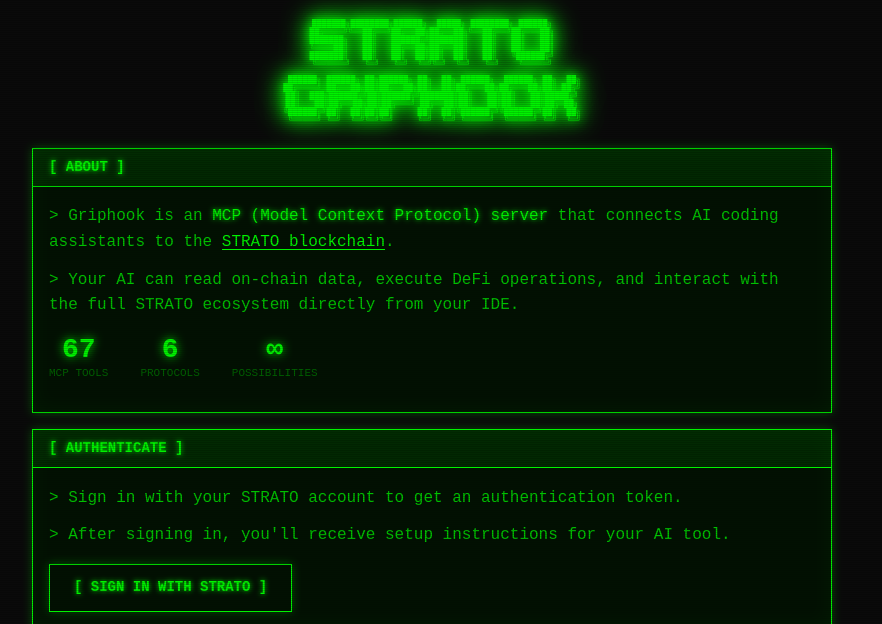
Launch AppWe have just launched Griphook, an MCP (Model Context Protocol) server which allows AI coding assistants like Claude to interact with the STRATO blockchain.
Check it out at https://griphook.strato.nexus/login.
The source code is at https://github.com/strato-net/strato-griphook.
What is MCP?
The Model Context Protocol is an open protocol from Anthropic which enables AI assistants to securely interact with external systems and data sources. It was announced in November 2024.
MCP servers expose tools and resources which AI assistants can use. In the case of Griphook, those are 67 tools for reading blockchain data and executing transactions on STRATO.
What can you do with it?
Griphook exposes read operations for token balances, swap pools, lending positions, CDP vaults and protocol metrics. It can execute swaps, lending operations, borrowing, bridging and reward claims. It also has platform administration and governance voting operations.
You can use it with Claude Code, Cursor, Cline, VS Code and other AI coding tools which support MCP.
Hosted and self-hosted
We have hosted instances for both environments, or you can self-host with custom OAuth configuration:
Sign in with your STRATO account to get an authentication token, then add the MCP server configuration to your AI tool of choice. See the GitHub repository for configuration details.
Security
This tool can move funds and change on-chain state. Use testnet for experimentation. Manage your credentials carefully. Review transactions before execution.
Feedback welcome
This is an early release. We'd love to hear how you're using it, what works well and what doesn't. Report issues or contribute improvements on GitHub.
Learn more
{% include content-embed.html url="https://www.anthropic.com/news/model-context-protocol" title="Introducing the Model Context Protocol" description="Anthropic's announcement of MCP, an open protocol that standardizes how AI assistants connect to external systems and data sources." site="https://www.anthropic.com" author="Anthropic" date="2024-11-25" %}
{% include content-embed.html url="https://modelcontextprotocol.io/docs/learn/server-concepts" title="Understanding MCP servers" description="Official documentation explaining how MCP servers work, including tools, resources, and prompts." site="https://modelcontextprotocol.io" %}
{% include content-embed.html url="https://code.claude.com/docs/en/mcp" title="Connect Claude Code to tools via MCP" description="Step-by-step guide for adding and configuring MCP servers in Claude Code." site="https://code.claude.com" %}
Start earning on STRATO
Bridge crypto, borrow against gold and silver, and put your assets to work.
Launch App